
Getting Started
Install FEY, fund your account, start a conversation, and review your first trade.
FEY is a mobile app for trading with AI. It gives your agent a realtime trading environment and the ability to autonomously act within limits you approve.
This guide takes you from install to your first trade.
Before you start
You need two things:
- A recent iPhone that is up to date
- A ChatGPT account. Free works, but Plus or Pro is worth it. FEY runs on your ChatGPT rate limits.
Install and sign in
The private beta runs through TestFlight, and we open access in waves. We'll ask for your Apple email to add you. When you're admitted you'll get a notification and FEY will appear in your TestFlight app list.
- Install FEY from TestFlight.
- Open the app and sign in with your ChatGPT account.
On login FEY creates a non-custodial wallet for you through Privy. You can export the private key at any time. Trading happens through Lighter, a decentralized exchange for crypto and stocks.
Home
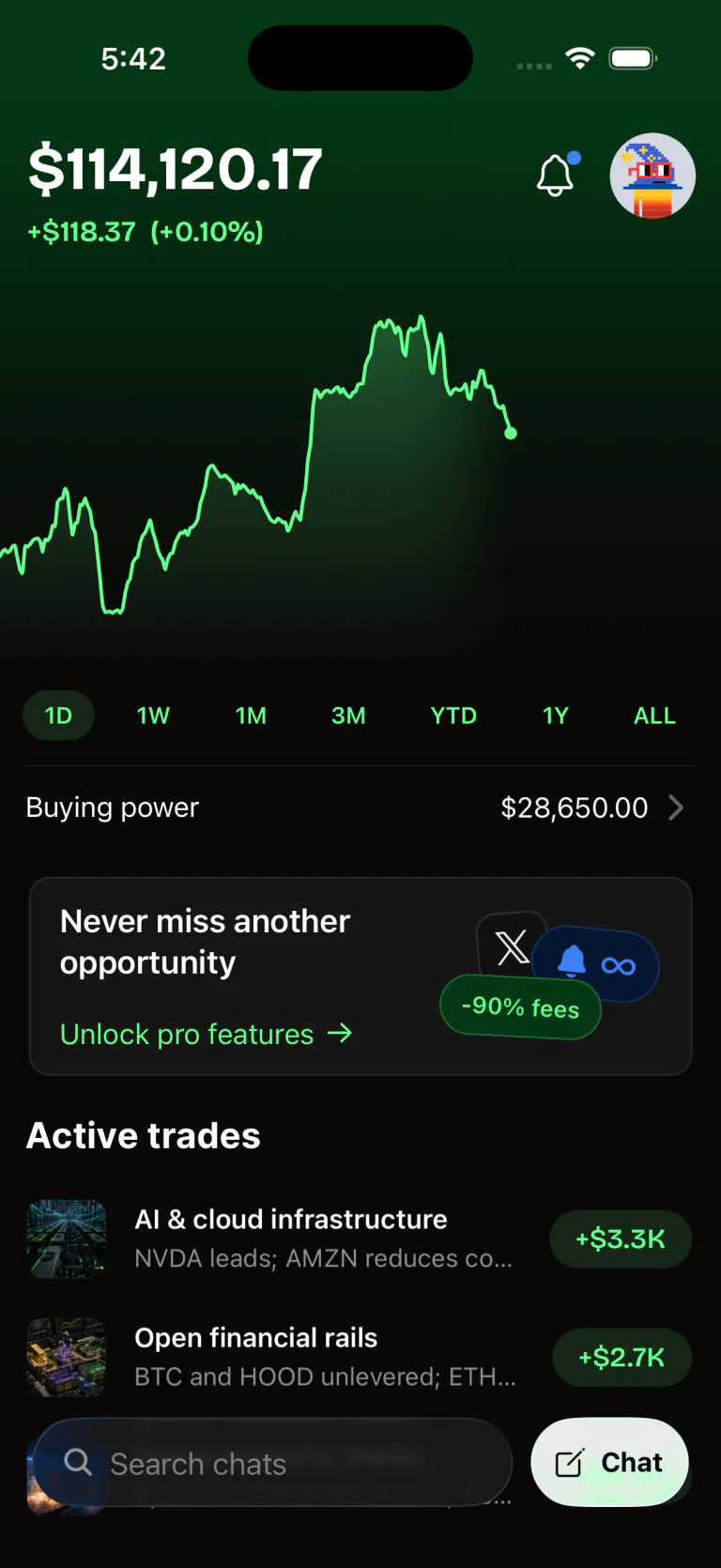
The home screen provides a realtime overview of your portfolio and agent conversations in FEY.
Add funds
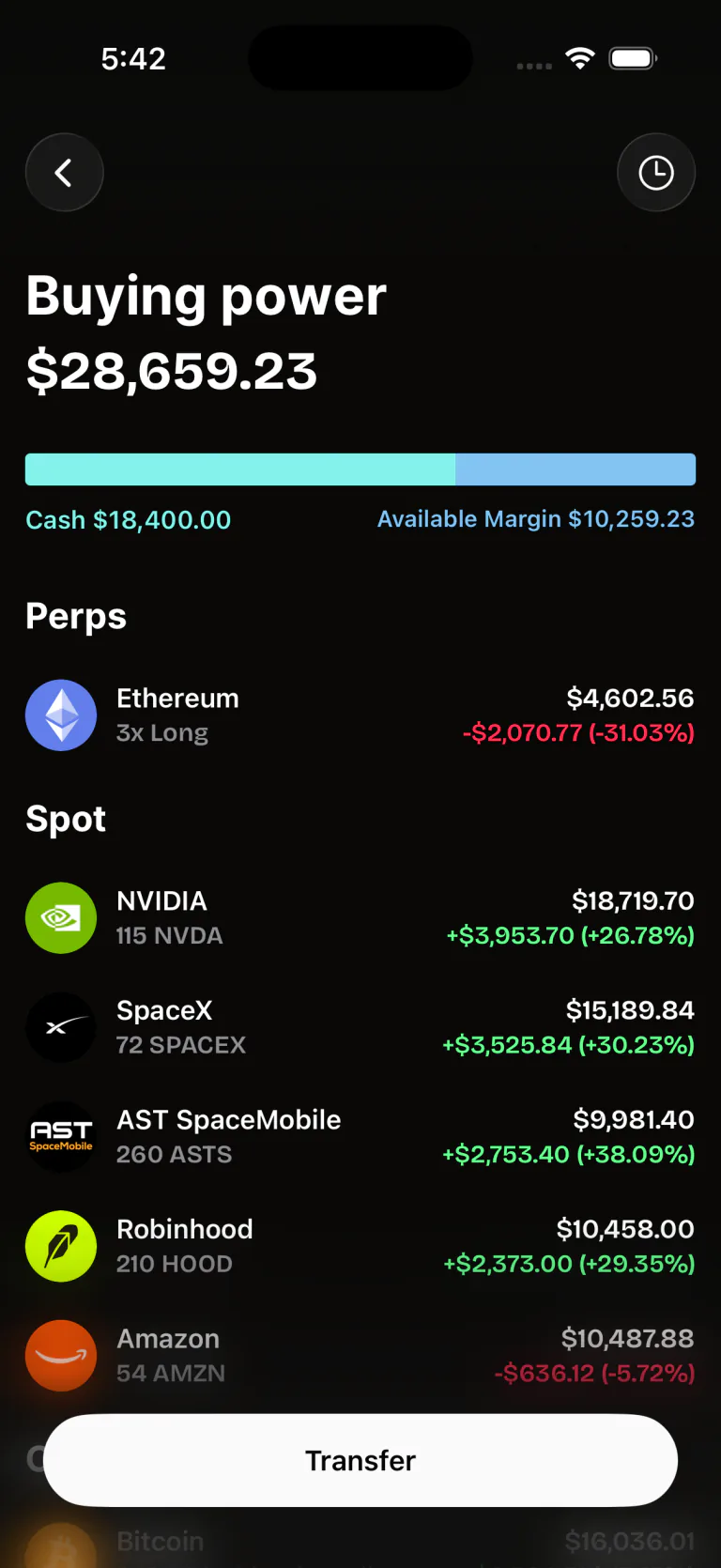
Tap "buying power" on the home screen to open the transfer screen. Two ways to deposit to your FEY account:
- Buy through Coinbase. Pay with a card or bank account and the USDC lands in your FEY wallet.
- Send USDC on Base. Transfer from any wallet or exchange to your FEY address. Base only. USDC sent on another network will not arrive.
Your first conversation
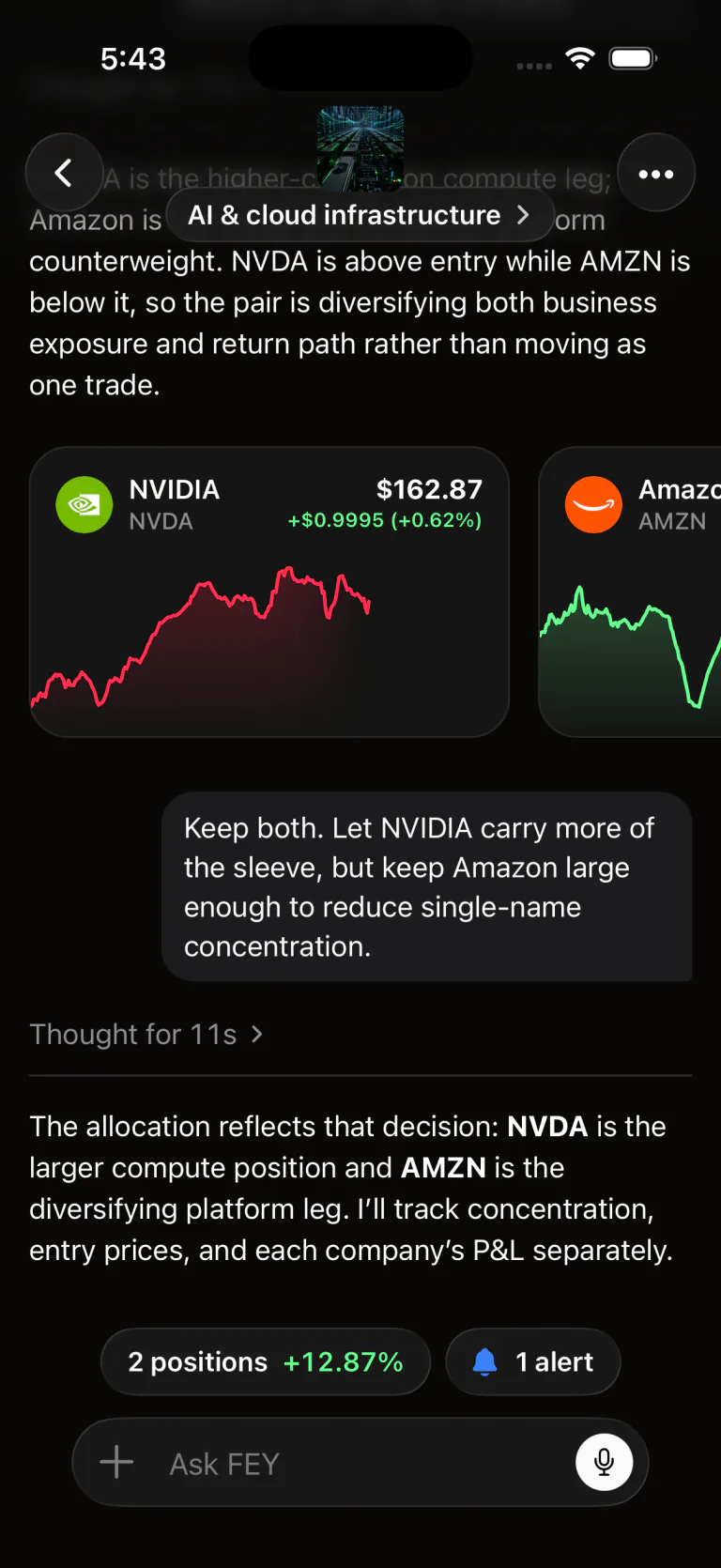
FEY is not a chatbot that places trades. Your agent gets a sandboxed computer, real-time market data, technical analysis, and monitoring infrastructure that runs on our servers rather than on your phone. It keeps working while the app is closed.
Your agent can:
- Search the web on a schedule
- Write files and programs, and keep them between conversations
- Wake on a timer
- Wake on posts from accounts on X
- Wake on complex setups like bullish/bearish divergences and MA crosses, across many timeframes. Or keep it simple: "RSI < 30 on 1h", "price > $X". We support most indicators you'd expect and are always adding more.
- Watch your account and positions in real time
- Mix and match all of the above
To buy, sell, or research an asset, start a new chat.
Try something concrete:
- "I want to buy BTC after the next selloff. Let's come up with a plan for scaling in."
- "I want to DCA into gold over the next week, but only want to buy during oversold conditions."
- "Oil is moving on geopolitical headlines. It looks like an interesting long but a risky one. What should we watch for a momentum shift, and how would you manage the downside?"
More advanced setups:
- "I want to buy ETH if price diverges outside of the 15m lower bollinger band and DCA out as we approach the upper bb"
- "Set an alert for a bullish divergence on ETH 4hr for RSI and MACD"
- "DCA out of my long if we get a 15m bearish divergence on RSI"
Autonomy and trade approvals
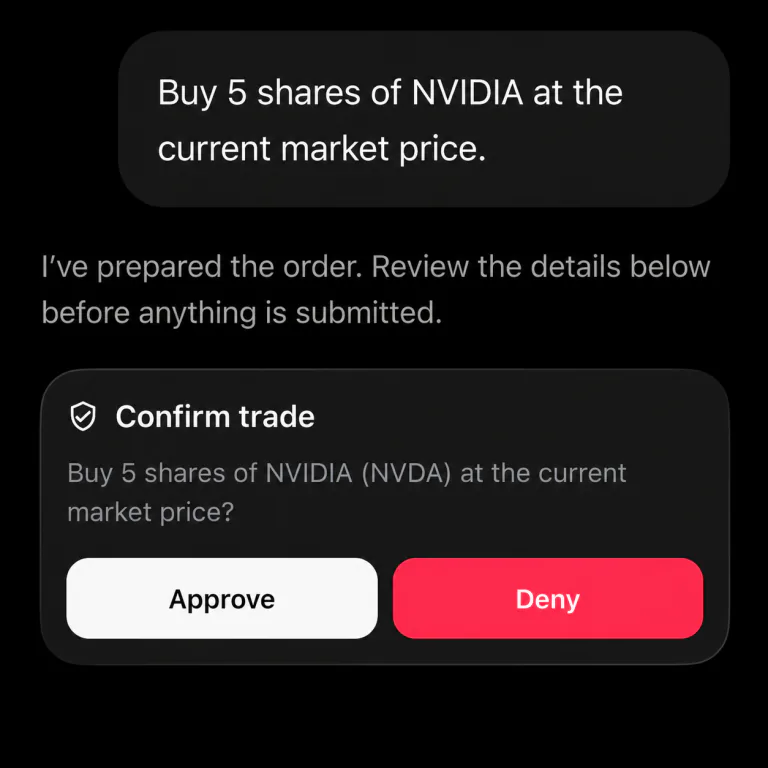
FEY never places a trade without your permission. By default, every order waits for your approval.
However, some trades are better when they can be automated. Discuss a plan with FEY, like a DCA over a week, and authorize it to act within bounds you define. The agent places those follow-on trades on its own.
Next steps
Follow on X or join the Discord and share how you trade with FEY.